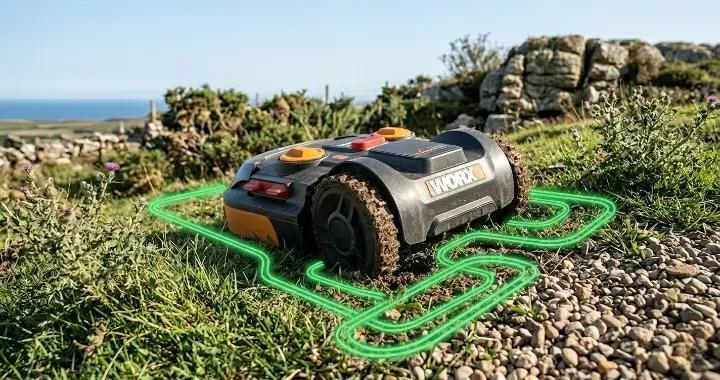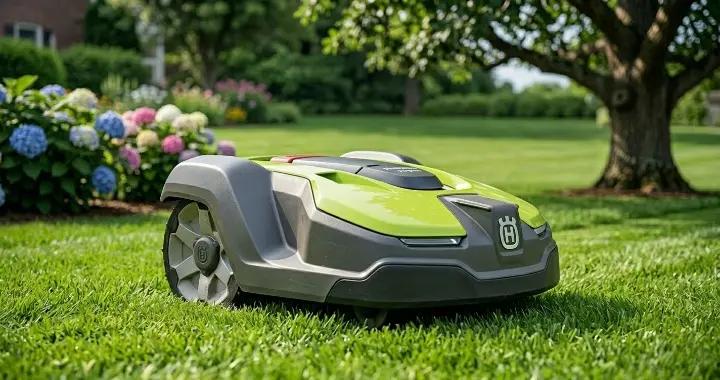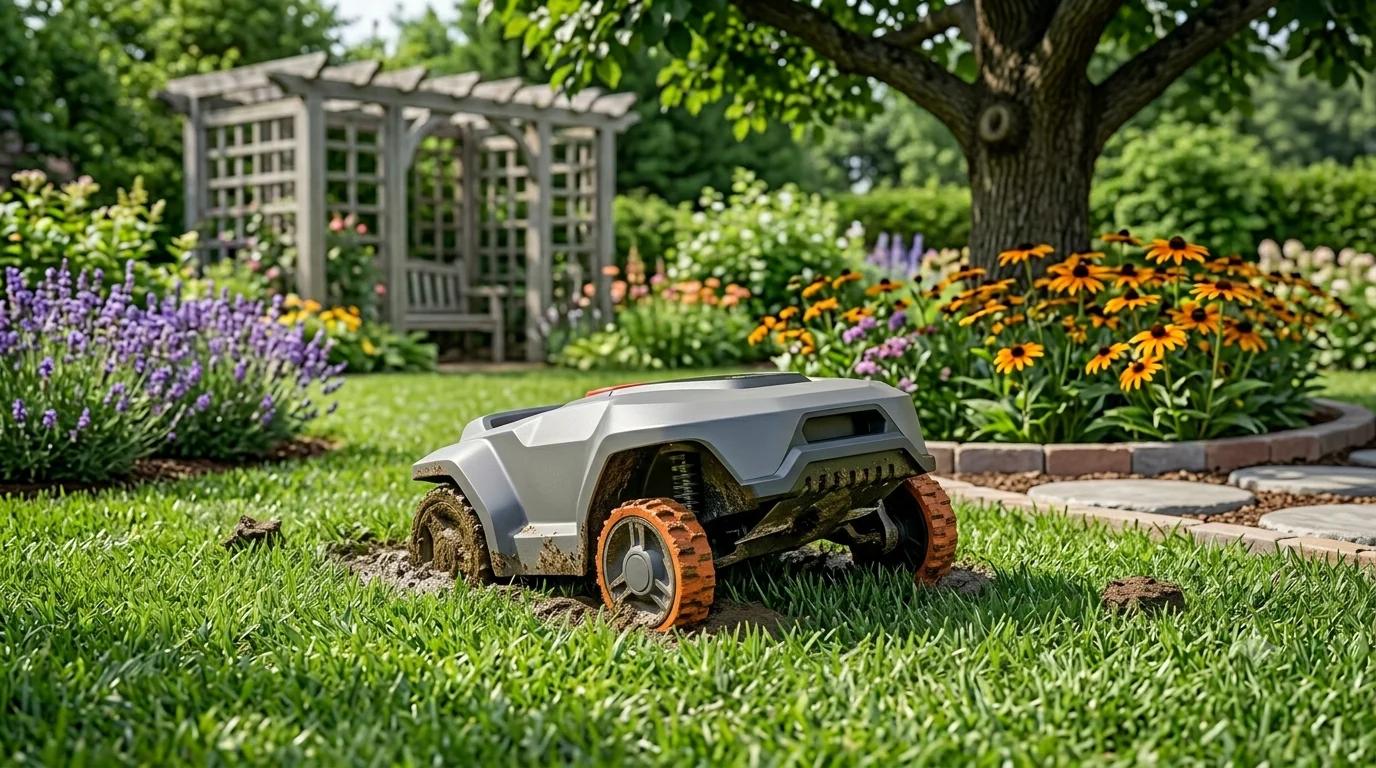

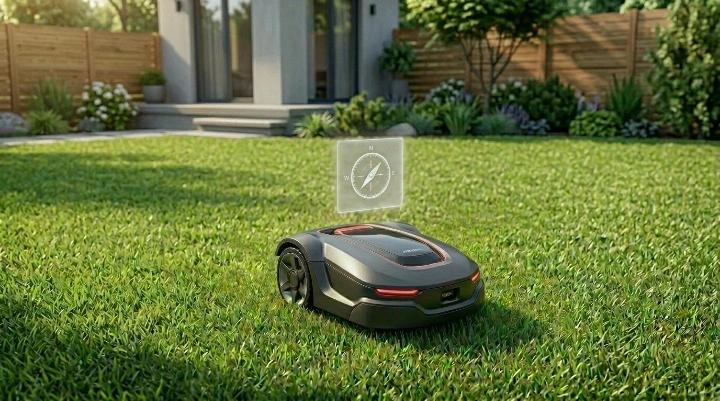
GPS robot lawn mowers have become a popular way for homeowners in the U.S. to keep their lawns neatly trimmed without spending hours pushing a mower. These smart machines use GPS, sensors, and virtual maps to navigate the yard and avoid obstacles.
However, even the most advanced models, like the Husqvarna Automower series, can run into navigation problems. Some areas of the lawn may be missed, the mower might drive in circles, or it may stop unexpectedly. Understanding why these issues happen is the first step to fixing them and keeping your lawn looking its best.
In this guide, we’ll explain the common reasons GPS robot mowers lose their way, how to identify the problem, and practical solutions you can apply. Real-world user experiences will also highlight what often goes wrong and how small adjustments can make a big difference.
Why GPS Navigation Problems Happen
Modern robot mowers rely on several systems to navigate: GPS satellites, optional RTK reference stations, onboard sensors, and virtual boundaries set in the app. All these systems work together to create a map of your yard and guide the mower along the correct path.
Navigation problems usually occur when one or more of these systems fail or interfere with each other. For example, GPS signals can be blocked by buildings, garages, decks, or dense trees. Even when a mower has a strong signal in most parts of the yard, it may struggle near walls or shaded corners.
Sensors that detect obstacles, bumps, or lifted wheels can also make the mower behave unpredictably. A minor hardware issue, like a dirty joystick or bump sensor, can look like a GPS failure because the mower pauses, turns, or drives in small squares.
Finally, mapping errors can happen if the mower’s virtual map is inaccurate or outdated. Changes in your landscape, firmware updates, or accidentally disabling GPS Assist can cause the mower to skip zones or stop in certain areas. Real users have found that even moving an RTK reference station a few feet or turning GPS Assist back on can resolve these issues.
Understanding these causes helps you figure out whether the problem is a GPS signal, a sensor issue, or a mapping error—and ensures you can apply the right fix.
Problem #1: Weak GPS or RTK Signal
One of the most common navigation issues with modern robot lawn mowers is weak GPS or RTK signal reception. If your mower suddenly stops, misses sections of the lawn, or seems to lose its position, poor satellite coverage is often the first thing to check.
Unlike traditional boundary-wire models, many newer wire-free mowers depend on a clear view of the sky to calculate their location. The mower constantly communicates with GPS satellites and, on RTK models, a reference station that improves positioning accuracy. When that connection becomes unstable, navigation performance can quickly suffer.
You may notice problems such as:
- The mower repeatedly misses the same area of the yard.
- It pauses or waits for a signal before continuing.
- It struggles to leave the charging station.
- The app reports weak satellite reception or poor positioning quality.
In many cases, the issue is not the mower itself but the environment around it. Large houses, garages, fences, sheds, and mature trees can partially block satellite signals. Narrow side yards are especially challenging because buildings may limit the mower's view of the sky from both sides.
Some owners of Husqvarna EPOS models have reported that their mower performs normally in open areas but regularly loses signal near a garage or behind the house. Even after installing a roof-mounted reference station, certain narrow spaces can remain difficult for the mower to navigate because satellite visibility is still limited.
If your mower consistently struggles in the same location, walk around that area and look up. Tree canopies, roof overhangs, or nearby structures may be creating a natural signal shadow.
A few simple adjustments often improve performance:
- Move the RTK reference station to a higher, more open location if possible.
- Keep the reference station several feet away from large walls or metal structures.
- Trim low tree branches that heavily cover problem areas.
- Remap the lawn after moving the reference station.
- If your mower supports it, use a boundary wire or "Support by Wire" feature for locations where satellite coverage is consistently poor.
It is also worth remembering that not every navigation problem is actually caused by GPS. If the mower always loses its way in exactly the same spot, the issue could also involve sensor interference, mapping errors, or another hardware component. We'll look at those possibilities in the next sections.
Problem #2: The Mower Keeps Missing Parts of the Lawn
If your robot mower leaves the same patches of grass uncut every day, you are not alone. This is one of the most common complaints among owners of GPS and RTK-guided models.
At first, many people assume there is a mechanical problem. In reality, missed areas are often caused by navigation settings, mapping issues, or inconsistent satellite coverage.
A good clue is whether the mower skips random spots or always avoids the exact same location. If the uncut area never changes, the problem is usually related to the map or the mower's ability to determine its position in that part of the yard.
Weak GPS reception is one possible cause. Areas close to buildings, fences, or large trees may provide enough signal for the mower to keep moving but not enough for precise positioning. As a result, the mower may think it has already covered an area when it actually has not.
Virtual maps can also become inaccurate over time. Adding a new flower bed, moving landscape edging, or making other changes to the yard may create conflicts between the stored map and the actual layout. Firmware updates can occasionally require the mower to relearn parts of the property as well.
Another setting that is easy to overlook is GPS-assisted navigation. Some owners have discovered that this feature was accidentally turned off while changing other settings or testing guide wires. After re-enabling it, the mower gradually returned to normal coverage and stopped leaving uncut sections behind.
If your mower regularly misses parts of the lawn, it is worth checking a few basic things before assuming there is a hardware failure:
- Confirm that GPS or GPS-assisted navigation is enabled in the app.
- Review your virtual map for missing or overlapping mowing zones.
- Check whether the missed area is close to buildings or heavy tree cover.
- Remap the property if you recently changed the landscape or moved the reference station.
- Make sure your mower is running the latest firmware version.
It is also important to be patient after making adjustments. Some GPS-guided robot mowers need several mowing cycles to rebuild an accurate coverage pattern. A section of lawn that is skipped today may be covered normally after the mower updates its internal map.
If the same area continues to be missed after several cycles, the issue may be related to obstacle detection or sensor behavior rather than GPS accuracy alone. In some cases, a mower that appears to have a navigation problem is actually reacting to a faulty bump or lift sensor.
Problem #3: The Mower Drives in Circles or Makes Small Squares
Another common navigation problem is when a robot mower seems to get “stuck” in a small area, driving in tight circles or moving in repeated square patterns. This behavior can be frustrating because it looks like the mower is lost, but in many cases, the issue is not GPS at all.
Mowers use a combination of sensors to detect obstacles, bumps, and wheel lift. If one of these sensors is dirty, misaligned, or malfunctioning, the mower may pause, reverse slightly, and turn repeatedly in a small area before continuing. To the user, this often appears as if the mower is circling or cutting the same patch over and over.
Reddit users with Husqvarna models have reported similar experiences. One owner noticed that their mower created tiny square patterns in a corner of the yard until it finally found a way out. In some cases, cleaning the joystick or bump sensor solved the problem, while others needed a replacement sensor or a firmware update.
Other possible causes for this behavior include:
- Increased resistance from thick grass or uneven terrain.
- Incorrectly calibrated collision or lift sensors.
- Temporary interference from electrical devices or boundary wire signals.
- Mapping errors that make the mower believe it has not fully covered a small section.
To address this issue:
- ✔Inspect and clean the bump and lift sensors.
- ✔Check the joystick assembly for dirt or loose components.
- ✔Ensure the mower’s wheels are free to turn and not restricted by debris.
- ✔Verify the mapping is accurate and GPS Assist is enabled.
- ✔Run the mower in open areas first to confirm sensors are functioning correctly.·
Understanding that circular or square patterns are often sensor-related rather than purely GPS problems can save time troubleshooting and prevent unnecessary hardware replacements.
Problem #4: Robot Mower Hits Walls or Bushes
When a robot mower starts bumping into walls, fences, or even garden plants like bushes and flower beds, it can feel like a serious navigation failure. In reality, this issue is usually caused by a mix of positioning limits, sensor behavior, and mapping accuracy rather than a complete GPS breakdown.
Unlike full autonomous driving systems, GPS robot mowers do not rely on centimeter-perfect positioning. Even with RTK correction, there is still a small margin of error—often a few inches to a couple of feet depending on conditions. Because of this, obstacle detection systems play an important role in preventing damage.
If those sensors are not working correctly, the mower may fail to react in time or may misjudge where obstacles begin. This is especially noticeable near walls, narrow passages, or dense planting areas like raspberry bushes or hedges.
Some Husqvarna users with EPOS systems have reported that their mower can navigate open spaces correctly but occasionally drifts too close to structures behind the house or near garages. In tight spaces, even a small GPS deviation can push the mower slightly off its intended path, increasing the chance of contact with obstacles.
Common reasons for this problem include:
- Slight GPS or RTK drift in narrow or shaded areas
- Inaccurate or outdated virtual boundary mapping
- Obstacle sensors reacting too late due to dirt or reduced sensitivity
- Narrow corridors where there is not enough clearance for positioning error
- Changes in the garden layout that were not updated in the map
To reduce or prevent collisions, it helps to adjust both the physical setup and the digital map:
- ✔Keep a safe offset between mowing zones and hard obstacles like walls or fences.
- ✔Clean sensor areas regularly to ensure accurate obstacle detection.
- ✔Redraw or adjust virtual boundaries after any garden changes.
- ✔Avoid creating extremely narrow mowing corridors where possible.
- ✔Test problem areas manually in slow mode (if supported) to confirm safe navigation.
It is also important to distinguish between true navigation failure and normal safety behavior. In some cases, the mower may briefly touch or approach an obstacle and then reverse as part of its standard collision response system. This does not always indicate a fault, but repeated or consistent contact in the same location usually suggests a mapping or positioning issue.
By combining accurate mapping with proper sensor maintenance, most users can significantly reduce these types of collisions and keep the mower operating safely around delicate areas like bushes and garden edges.
Problem #5: Navigation Problems After a Firmware Update
Firmware updates are supposed to improve performance, fix bugs, and make robot mowers more reliable. However, many users notice new navigation problems right after an update. The mower may start missing areas, losing its position, or behaving differently in places where it used to work perfectly.
This can be confusing because nothing in the garden has changed. The grass is the same, the boundaries are the same, and the RTK or GPS setup is unchanged. Yet the mower suddenly behaves as if it is “relearning” the yard.
In many cases, this is caused by how updates reset or adjust internal navigation data. Some updates may refresh the virtual map system, change how GPS Assist works, or require recalibration of positioning data. Even small changes in these systems can affect how the mower interprets its environment.
Some owners also report that settings like GPS-assisted navigation or zone configurations are reset or partially modified after an update. In those cases, the mower may not immediately behave as expected until the settings are reviewed and corrected.
Real-world users have noticed that after firmware updates, their mower sometimes begins reprocessing certain areas of the yard or behaving slightly unpredictably for the first few mowing cycles. In most cases, the behavior stabilizes once the mower rebuilds its internal understanding of the lawn.
Common reasons for navigation issues after updates include:
- Temporary recalibration of GPS or RTK positioning systems
- Reset or modification of navigation-related settings
- Changes in how virtual maps are stored or interpreted
- Firmware bugs that affect specific zones or models
- Need for a fresh mapping cycle after the update
To fix or reduce these issues, it often helps to:
- ✔Check all navigation settings after every firmware update
- ✔Confirm that GPS Assist or equivalent features are still enabled
- ✔Restart the mower and allow it to complete a full mowing cycle
- ✔Recalibrate or remap the lawn if behavior does not stabilize
- ✔Ensure the charging station and reference station are still correctly positioned·
It is also worth noting that not every unusual behavior after an update indicates a defect. Many robot mowers need a short adjustment period to sync new firmware with existing map data. However, if navigation problems persist beyond several mowing cycles, it may indicate a deeper configuration issue or a firmware-specific bug that requires manufacturer support.
Understanding this adjustment phase can help users avoid unnecessary troubleshooting and prevent repeated resets that may actually slow down the system’s recovery.
Problem #6: When the Problem Isn’t GPS at All
One of the most important things to understand about robot mower navigation issues is that they are not always caused by GPS or RTK signal problems. In fact, many users spend hours trying to fix “GPS issues” when the real cause is something completely different.
Modern robot mowers rely on multiple systems working together, including wheel motors, bump sensors, lift sensors, obstacle detection, and internal navigation logic. If any of these systems behave incorrectly, the mower can look like it has a GPS problem even when the satellite signal is perfectly fine.
A good example is when the mower repeatedly stops, turns slightly, and continues in small movements. While this might look like GPS drift, it is often caused by a sensor triggering false collision detection. Dirt, grass buildup, or minor misalignment in bump sensors or joysticks can cause the mower to think it has hit something when it has not.
In other cases, wheel resistance plays a role. If the mower struggles to move smoothly due to thick grass, uneven terrain, or debris in the wheels, it may repeatedly adjust its direction. This can create a pattern that looks like navigation confusion or poor mapping.
Some Husqvarna users have also reported situations where the mower behaved unpredictably in a single area of the lawn, despite strong GPS signal elsewhere. After inspection, the issue was traced back to mechanical resistance or sensor calibration rather than any satellite-related problem.
Common non-GPS causes of navigation-like problems include:
- Dirty or faulty bump sensors causing repeated stop-and-turn behavior
- Wheel motors struggling due to grass buildup or uneven ground
- Lift sensors triggering false alerts when the mower passes over bumps
- Incorrect sensor calibration after maintenance or replacement
- Physical resistance in specific areas of the lawn, such as thick grass patches
To help identify whether the issue is really GPS-related, it is useful to observe the mower’s behavior closely:
- ✔If the problem happens only in shaded or enclosed areas, GPS is more likely involved.·
- ✔If the behavior appears in random open spaces, sensors or mechanical issues are more likely.
- ✔If the mower repeats the same small movement pattern, it often indicates sensor feedback rather than navigation failure.
In some cases, simply cleaning the underside of the mower, checking wheel movement, or resetting sensor calibration can completely resolve what initially appears to be a complex GPS navigation issue.
Recognizing this distinction is important because it prevents unnecessary remapping or RTK adjustments when the real issue is mechanical. It also helps users troubleshoot more efficiently and avoid overlooking simple hardware problems that are easier to fix.
How to Improve GPS Accuracy
Even the best GPS robot mowers can struggle in certain environments, but there are practical steps to maximize signal reliability and improve navigation accuracy. These adjustments help ensure your mower covers the entire lawn efficiently without missing spots or wandering too close to obstacles.
1. Optimize Reference Station Placement
For RTK-equipped models like the Husqvarna Automower 305E NERA or EPOS series, the placement of the reference station is critical. The station should have a clear, unobstructed view of the sky and be positioned several feet away from large walls, metal structures, or garages. Roof-mounted installations often perform better than ground-level setups because they reduce interference from buildings and trees.
2. Clear the View to the Sky
Tall trees, roof overhangs, and dense landscaping can block satellite signals. Walk around your lawn and identify areas where the mower loses signal. Trimming low branches or adjusting furniture or movable obstacles can significantly improve coverage. Even small changes, like moving a shed or garden feature a few feet, can make a difference in narrow yards.
3. Use Boundary Wires for Problem Areas
Some areas may remain challenging for GPS reception, especially near garages or behind dense foliage. Many mowers offer a "Support by Wire" or auxiliary boundary wire option. Extending a boundary wire around these problem zones creates a reliable guide path that the mower can follow even when satellite reception is weak.
4. Remap Your Lawn After Changes
Whenever you relocate the reference station, move obstacles, or make significant changes to the garden layout, remapping the lawn is essential. Updated maps ensure the mower correctly interprets which areas it has covered and helps prevent repeated skips or missed patches.
5. Keep Firmware and GPS Assist Updated
Manufacturers often release firmware updates that improve GPS handling and navigation algorithms. Ensure your mower is running the latest version and verify that features like GPS Assist or equivalent positioning aids are enabled. A firmware update combined with proper settings can improve accuracy and reduce unexpected behavior.
By taking these steps, your robot mower is better equipped to handle tricky areas, maintain consistent coverage, and reduce navigation errors caused by weak satellite signals. Even in yards with dense trees, narrow corridors, or shade, careful setup and maintenance can make a noticeable difference.
Conclusion
GPS navigation problems in robot lawn mowers can be frustrating, but most issues are solvable with the right approach. Weak satellite signals, mapping errors, sensor malfunctions, or firmware updates can all affect performance, but understanding the cause is the first step to fixing it.
By optimizing reference station placement, keeping sensors clean, updating maps after changes, and checking settings like GPS Assist, you can help your mower cover every inch of your lawn efficiently. Even tricky areas near garages, trees, or narrow passages can be managed with boundary wires or careful adjustments.
Remember, not all navigation issues are caused by GPS. Sometimes, small mechanical or sensor problems can mimic GPS errors, so observing your mower’s behavior carefully can save time and unnecessary troubleshooting.
With proper setup and maintenance, your Husqvarna or other GPS robot mower can run smoothly, giving you a perfectly cut lawn without constant supervision. Regular checks and small adjustments go a long way in keeping your mower reliable season after season.